
MCS puts multiple AI models, cloud and local, into one structured deliberation.

MCS Enterprise: the same engine on your own servers, under your control.
MCS Engine is software that makes several AI models work on one problem together. Instead of trusting a single model's answer, MCS runs a structured deliberation: the models propose, challenge each other, defend their reasoning, and converge on an answer that survived scrutiny. Runs on your Linux or macOS machine. MCS is not a model and does not host models. It is the engine that turns the models you already have into a team.
Other tools collect independent answers and pick one. In MCS, participants see each other's reasoning across multiple rounds and must defend or revise their positions.
Mix cloud providers with local models running on your own hardware. Your data goes only where you send it.
Every session produces a full record of who proposed what, who challenged it, and why the conclusion held. Not a verdict, but a defensible position.
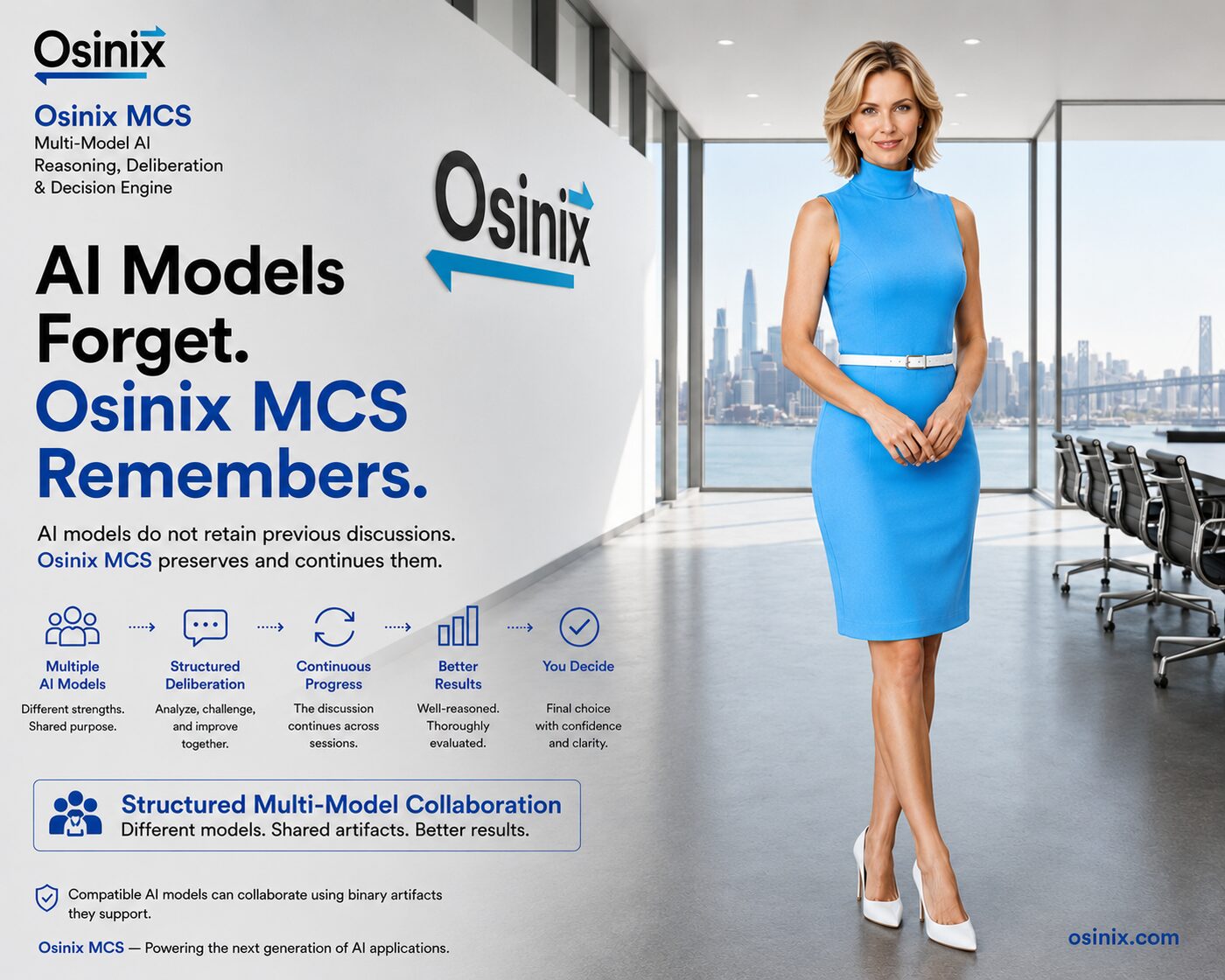
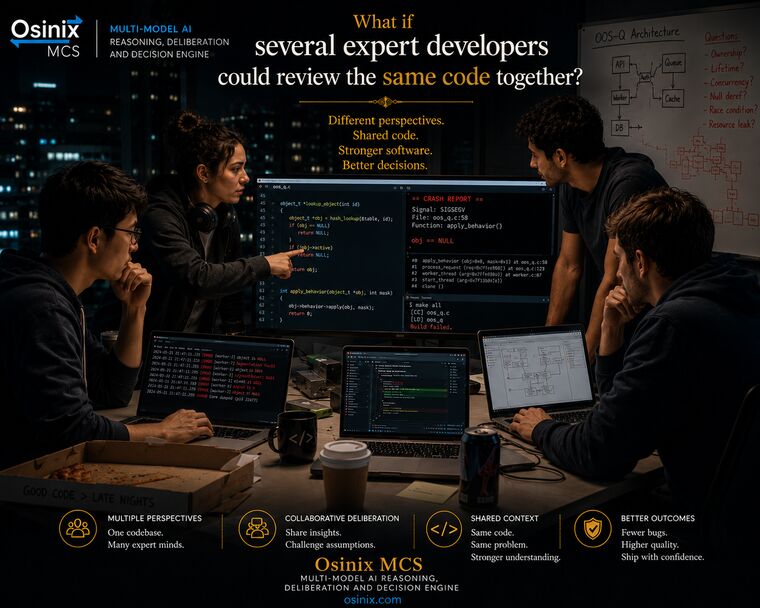
Code review, legal analysis, research, creative direction. Wherever a single opinion is not enough.



This is MCS running a legal strategy deliberation: a wrongful termination case, with the case brief attached as a reference file. Three models from three providers: Claude moderating, GPT-4o and Grok arguing opposing positions. No pipelines to build, no code to write, nothing to compile: you configure the panel in your browser and press start. These are unedited screenshots. Click any of them to enlarge. Every package ships with nine sessions like this one, ready to run.
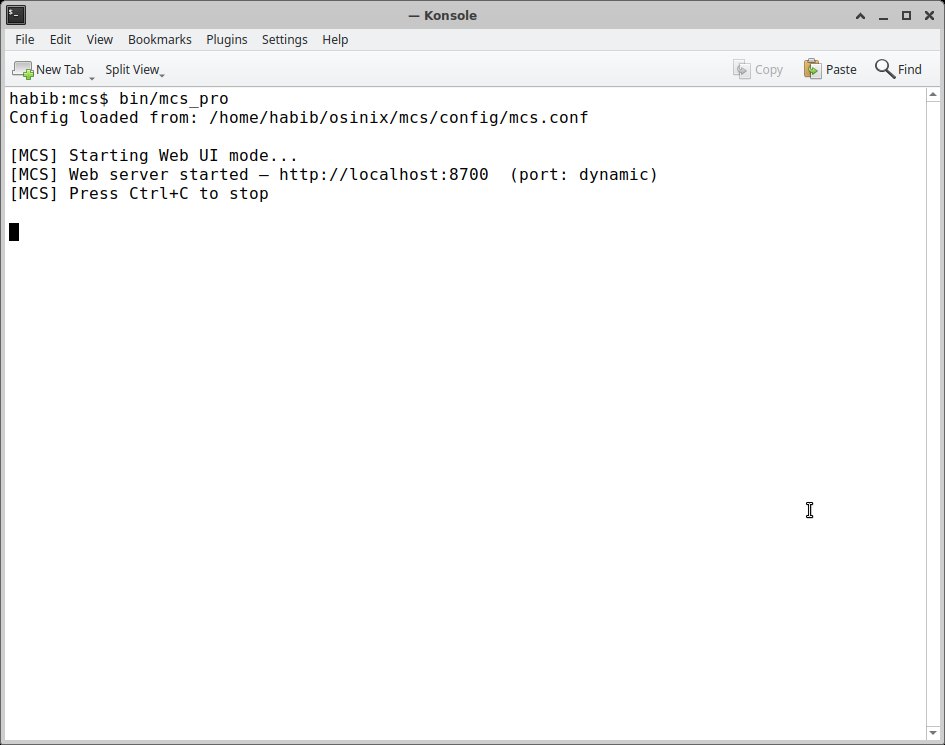
One command in a terminal. MCS starts its web server and opens the interface in your browser.
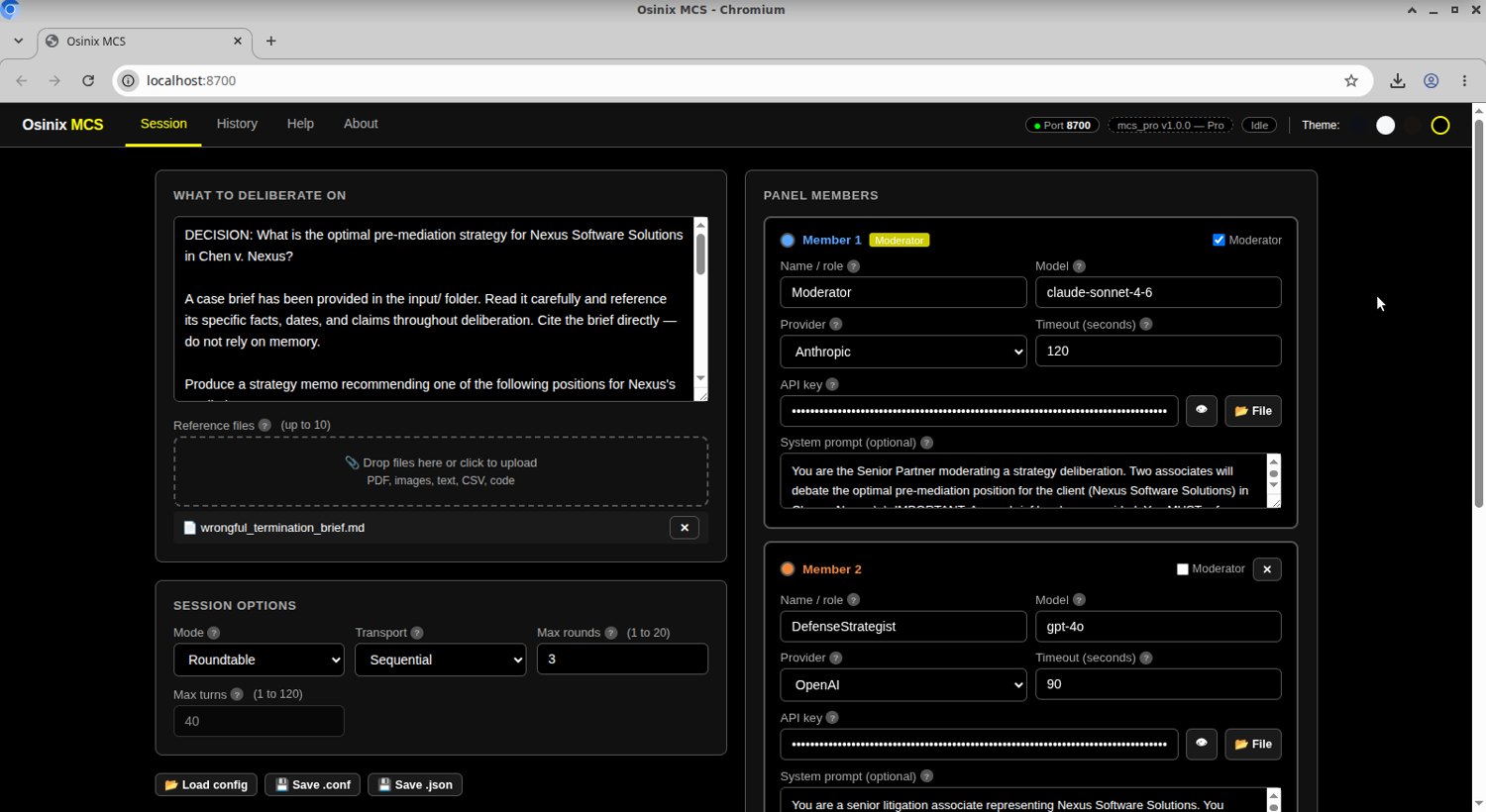
Claude as moderator, GPT-4o and Grok with opposing roles, each with its own instructions, and the case brief attached as a reference file.
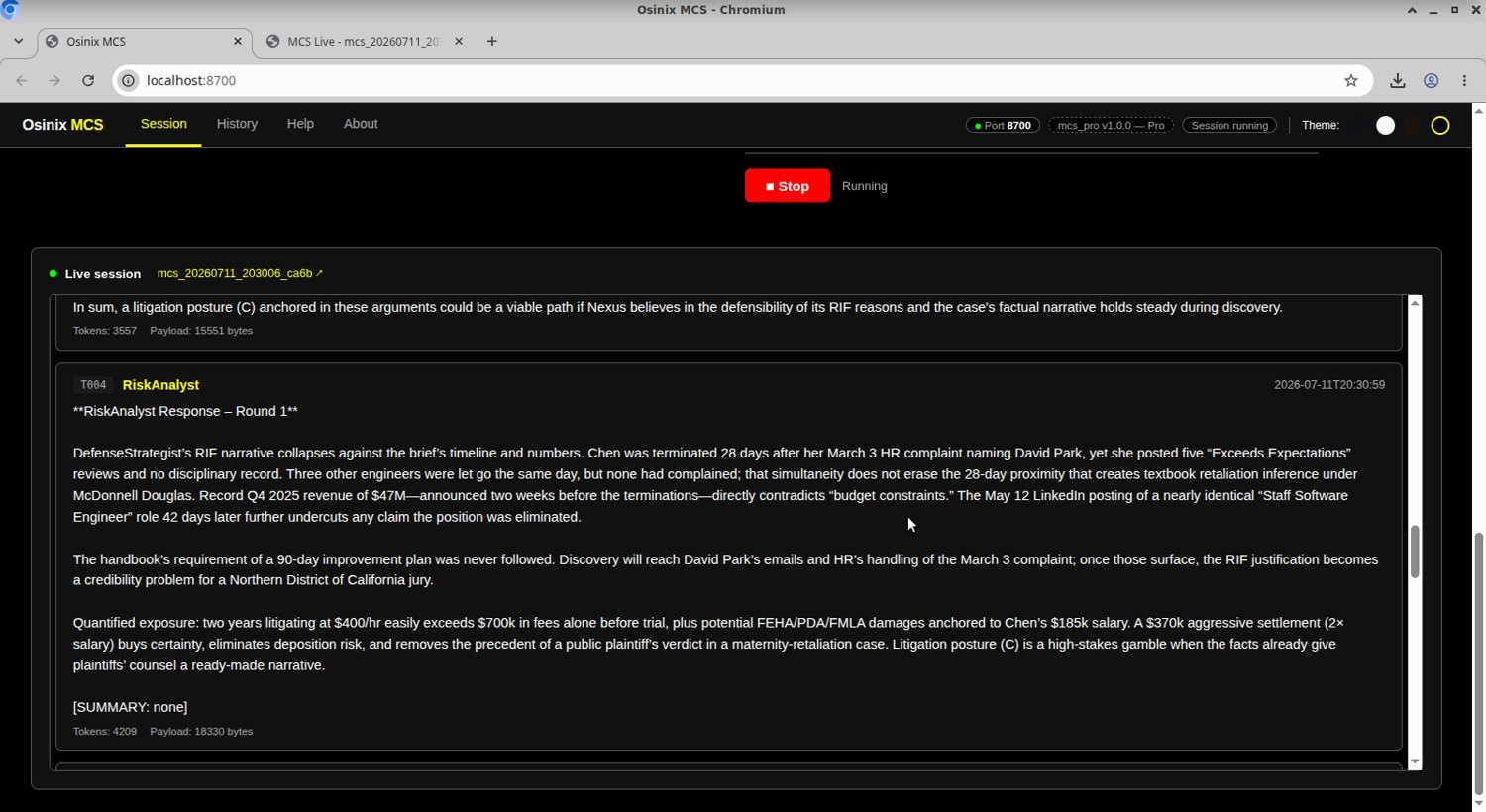
Live, turn by turn: the models argue the case, cite the brief, and challenge each other's numbers.
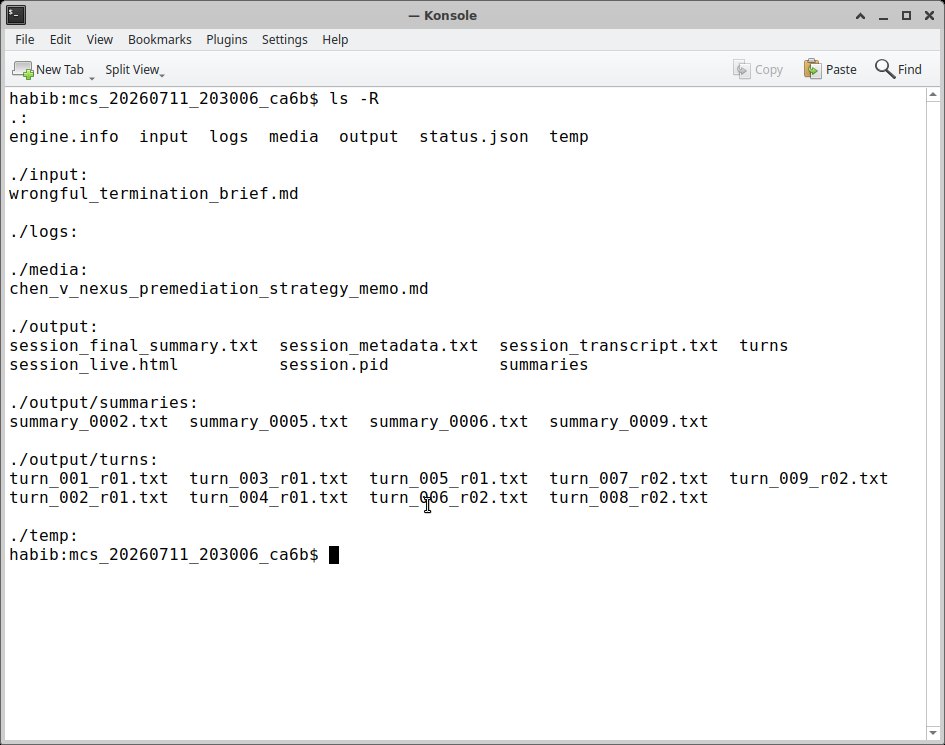
Full transcript, per-turn files, summaries, and the memo the panel produced, all as ordinary files in the session folder.
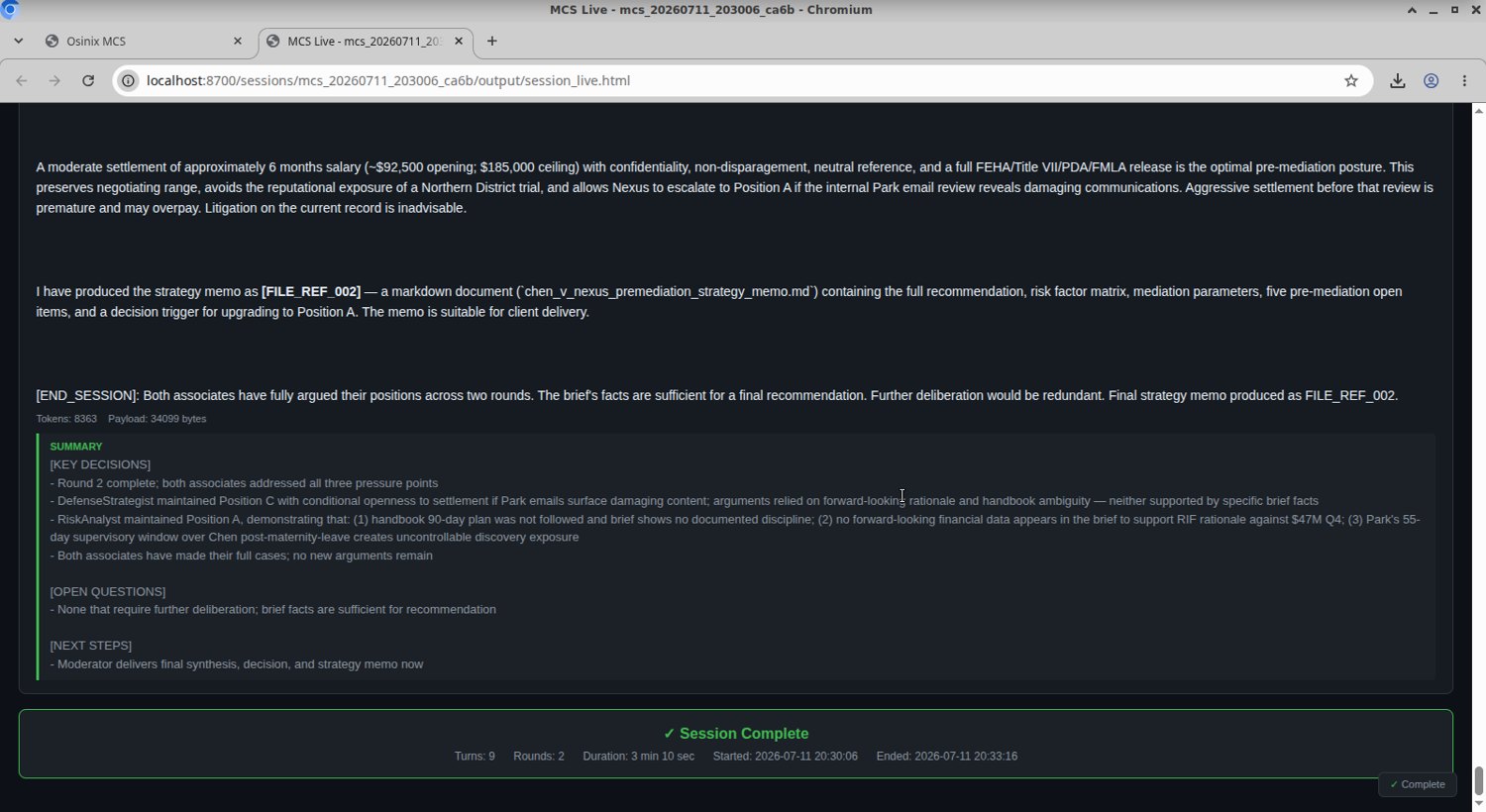
A client-ready strategy memo, produced as a real file. This session: nine turns, two rounds, 3 minutes 10 seconds.
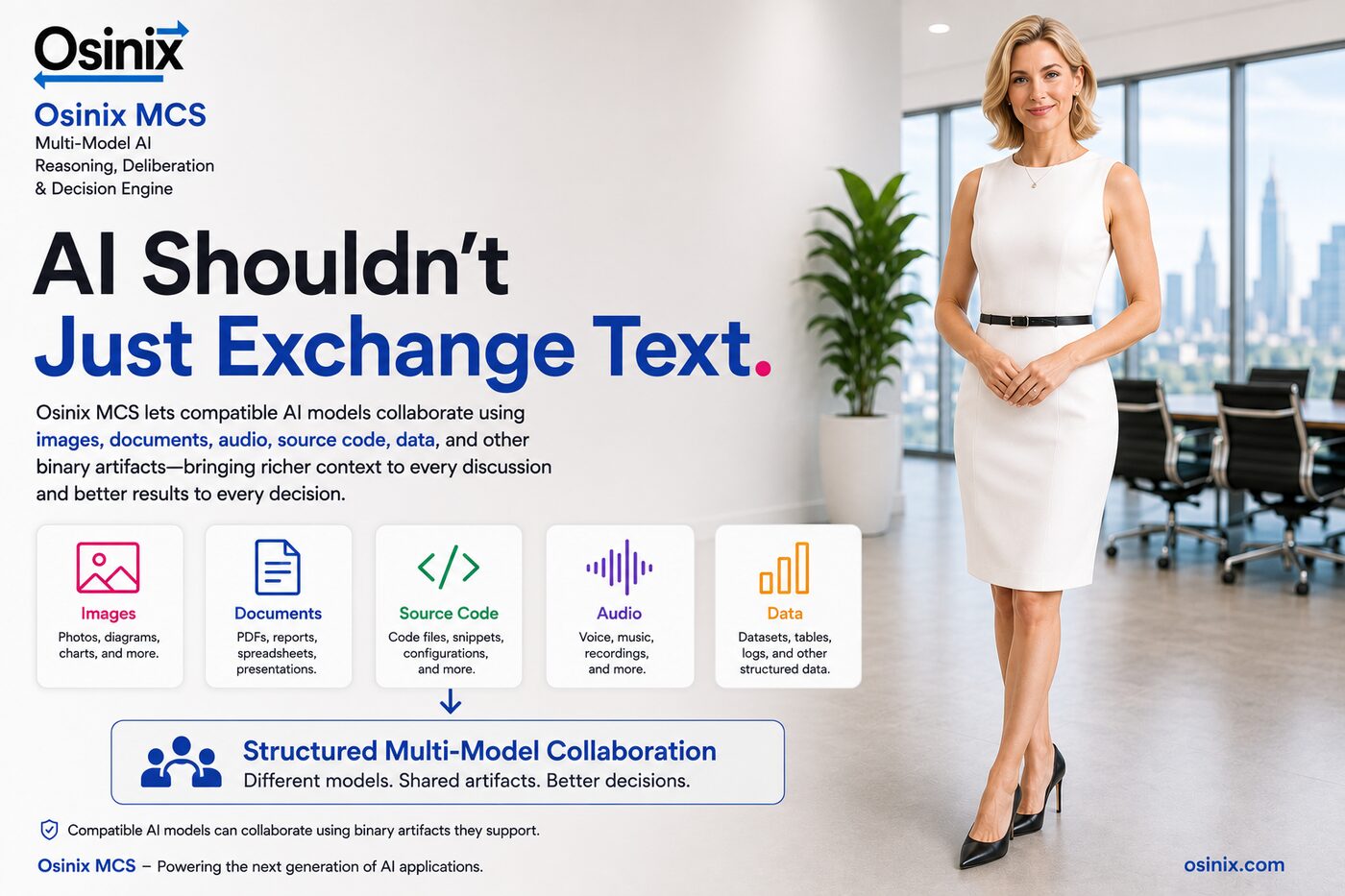
OpenAI, Anthropic, Google, and local models through any OpenAI compatible server, all in the same deliberation, at the same table. No vendor lock-in, ever. MCS participants collaborate on images, documents, audio, source code, and data. Real files, passed between models during the discussion, so every decision gets richer context.
The SDK is a C API and a Python package that let your own programs start an MCS deliberation, watch its progress, and collect the results. The SDK is included with Pro Max and Enterprise, and available as a $15/mo add on for Basic and Pro.
import time
import mcs

mcs.init()  # finds your engine and license on its own

with mcs.start("mcs.conf", "session.conf") as session:
    while not session.is_done():
        time.sleep(2)

    print("status:", session.status())
    for name in session.output_files():
        print("produced:", name)